A flexible workspace
Split, move, and arrange boards to keep the right material close.
A free, ultra-lightweight, offline writing workspace for novels, scripts, journals, and the ideas in between.
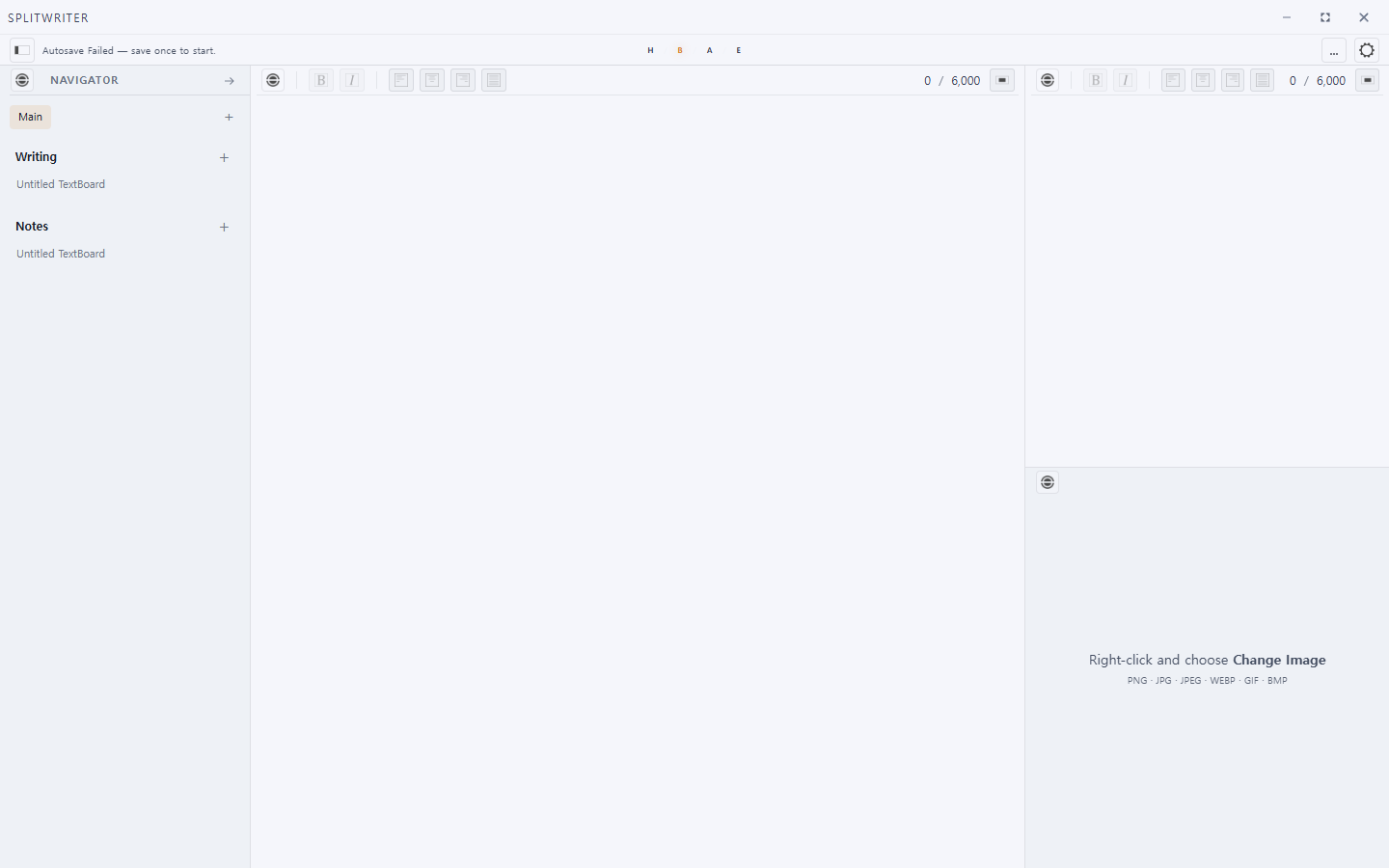
Arrange text boards and image references around the way you think. Gather multiple pieces into a manuscript, then read or export it when you’re ready.
Split, move, and arrange boards to keep the right material close.
Explore board order separately, then read and export your combined writing.
Your work stays on your computer. No account or cloud service is required.
Splitwriter is free, open-source writing software for Windows. It brings writing and reference materials together in a flexible, distraction-light layout for novels, scripts, journals, and creative projects.
Splitwriter는 소설, 시나리오 및 다양한 창작 활동을 위한 무료 오픈소스 글쓰기 프로그램입니다. 텍스트와 이미지를 자유롭게 배치하고 여러 문서를 하나의 원고로 구성할 수 있습니다. 회원가입이나 클라우드 서비스 없이 오프라인에서 사용할 수 있습니다.
Download the ZIP, extract it, and run Splitwriter.exe. The app is free for personal and commercial creative work.
Read the guides, browse the source, or visit the project on GitHub.